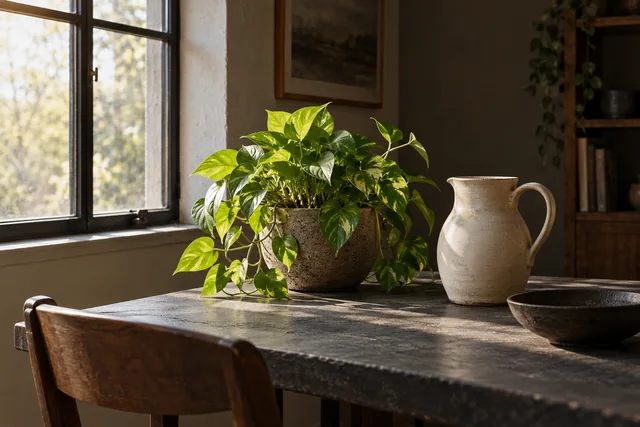
Photo exposure: decide which detail matters
Learn to make exposure decisions in bright and dark scenes without chasing a universal histogram or guaranteed settings.
ShotAgain editorial · 3 min read
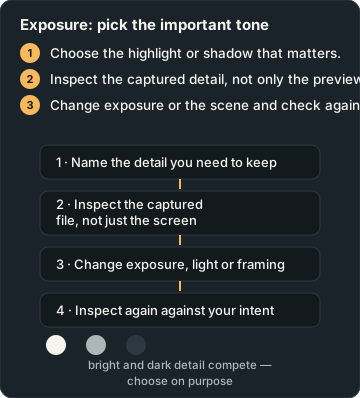
Quick answer
- Choose the highlight or shadow that matters.
- Inspect the captured detail, not only the preview.
- Change exposure or the scene and check again.
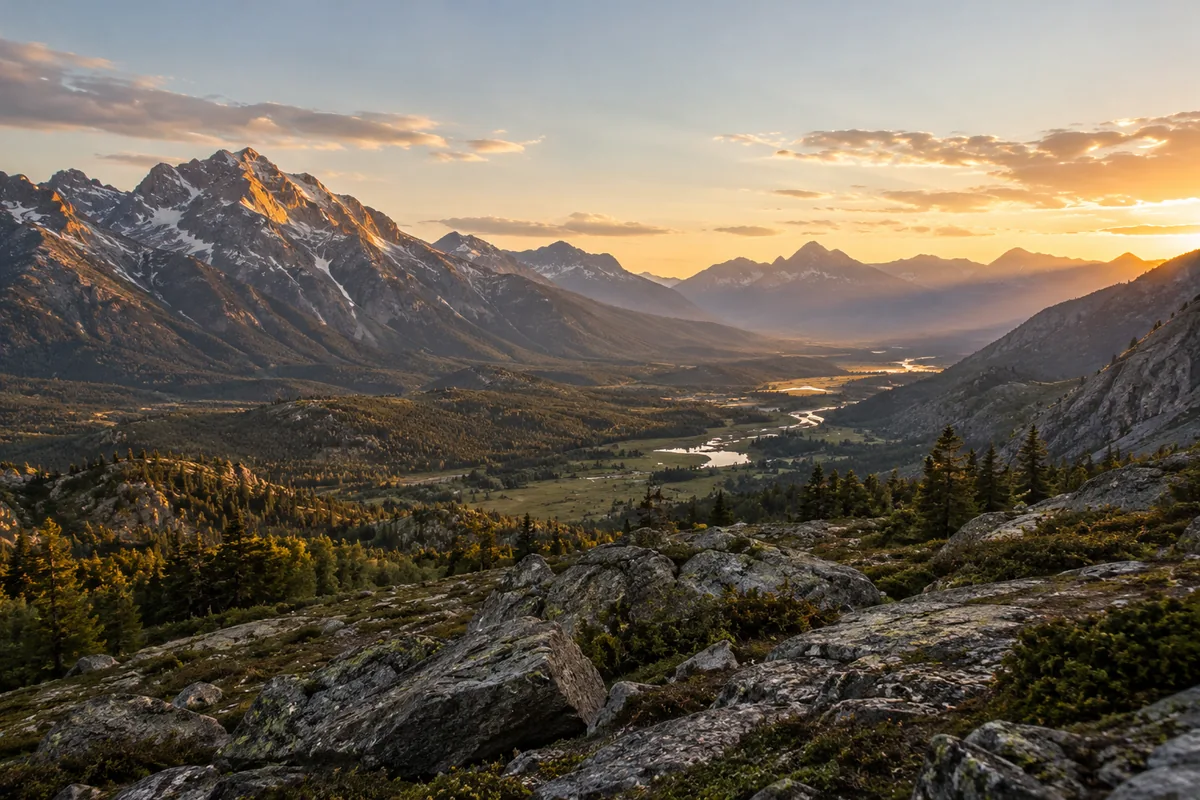
Choose the detail you need before adjusting overall brightness. A face beside a bright window, the texture of a white flower and the shape of a night skyline ask for different decisions. Your camera's automatic exposure is a starting point. A useful photograph does not need every corner equally bright, and a dark scene does not need to be made to look like midday.
Name the important tone
Look at the scene and identify the brightest detail you want to preserve and the darkest area you need to read. If the difference is very large, you may have to change the light, framing or your priorities. Start with the subject rather than trying to satisfy an exposure meter without context.
Adobe's exposure guide describes the roles of aperture, shutter speed and ISO and explains that a histogram has no single ideal shape. The light reaching the sensor depends on the scene, lens opening and exposure duration; ISO affects the camera's brightness response. Raising ISO is not a way to add light to the scene.
Look beyond the bright screen
Inspect the captured image, not only the live preview. Screen brightness and viewing conditions can make judgments difficult. Enlarge the important region enough to check its detail, then return to the full image to judge the overall effect. A pale surface that looks pleasantly bright at thumbnail size may have lost texture you intended to show.
If your camera provides a histogram or highlight warning, use it as another clue. A histogram describes the distribution of tones, rather than which part of the picture matters. A small bright reflection may be acceptable while a featureless face is not. The preview and its warnings also do not tell you exactly how much detail a different processing workflow could recover. Avoid planning a photograph around guaranteed recovery later.
Make a small controlled change
With an automatic camera, exposure compensation or a brightness control can let you ask for a lighter or darker result. The exact controls and their effect depend on the device and mode. Take a frame, change one control by a small amount, and review it. If you cannot identify the control, consult your model's instructions rather than guessing from another camera's menu.
When choosing settings directly, preserve what the picture needs. A longer exposure may brighten a stationary scene but introduce movement blur. A wider lens opening may help with light while changing how much of the subject appears sharp. If the subject is moving, a brighter location may be a simpler solution than pushing every setting further.
Practice with a pale object
Put a light-coloured textured cloth or cup beside a window, leaving part of the background darker. Take picture A using your normal automatic approach. For picture B, make the image slightly darker using an available exposure control. Keep the object and framing similar. Compare the visible texture on the brightest part and the readability of the shaded part.
Choose the version that serves your intention. You may prefer a bright, airy photograph even if some unimportant background detail disappears. Or you may need the weave of the cloth for a product photograph. Write that reason beside the choice. This is a judgment about the picture's purpose, not evidence that one histogram is universally superior.
Solve the scene when settings are not enough
For a person in front of a bright window, turn them toward the window or change your camera position and try again. For a dark object against a pale background, test a less contrasting background. These are changes to what the camera receives, rather than requests for software to rescue missing detail.
Keep the original attempts. If you compare two files, note any change in light, camera mode or viewpoint so you do not attribute every difference to exposure compensation. Metadata may record settings, but it does not record every lighting change or explain why you chose them.
Get text feedback on your photo and tell ShotAgain which highlight or shadow mattered. Its visual judgment can help you plan another attempt; it is not a laboratory measurement of scene dynamic range or recoverable file data.
Try it: Compare important detail
- Photograph a pale textured object beside a window.
- Make a slightly darker real capture with an available control.
- Compare the intended highlight texture and shadow readability.
Record changes in light, exposure, viewpoint or subject movement; the pair is not proof of one isolated cause unless other conditions were controlled.
Sources
Put it into practice
Upload a real shot and get coaching on the decisions in it.