Landscape photography: build depth without filling every corner
Find a subject in a wide scene, test foreground and horizon placement, and use changing light deliberately on a phone or camera.
ShotAgain editorial · 4 min read
Quick answer
- Find a subject inside the view.
- Test whether foreground and horizon help.
- Review near and far detail as the light changes.
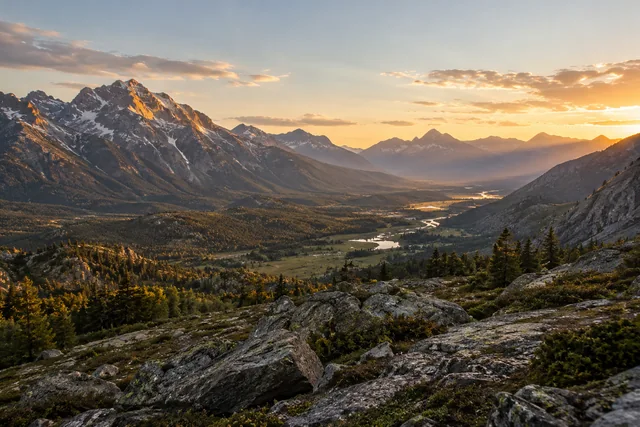
When a landscape feels less impressive in a photograph than it did in person, begin by choosing a subject inside the view. A ridge, a bend in a river or a small stand of trees gives the frame a reason to exist. The goal is not to squeeze the whole experience into one picture. It is to choose relationships the photograph can actually show.
Give the wide scene a clear anchor
Take a moment without the camera raised. Name the feature you want someone else to notice, then look for a place from which its shape is clear. A wide lens can include more surroundings, but more surroundings do not automatically produce a stronger subject. A narrower view may describe the important pattern more clearly.
Adobe's landscape guide discusses a point of focus, foreground layers, strong lines and changing light. Use those as options to explore. A clean distant silhouette can work without an elaborate foreground, and a crowded foreground can obscure the view you came to photograph.
Test whether the foreground earns its place
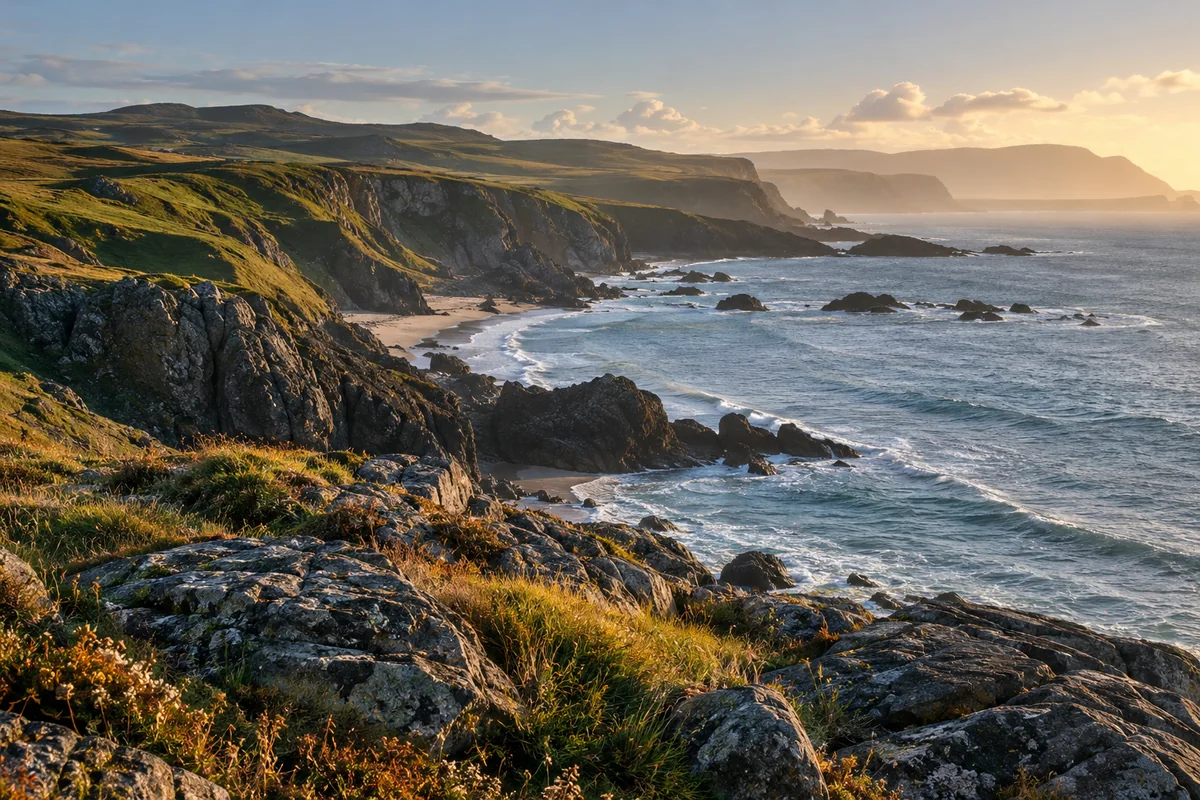
Look for a nearby shape that connects with the main subject: a curve in a path, an area of water or a rock with a useful outline. Make one frame including it, then another without it. Ask whether it introduces the scene or simply becomes a large unrelated object at the bottom of the image.
Changing camera height can alter how shapes overlap. Move carefully within a safe area and inspect the preview before committing to a new position. A leading line is helpful only if its destination supports your subject. If it points toward a distracting corner, try another frame rather than praising the line because it exists.
Place the horizon deliberately
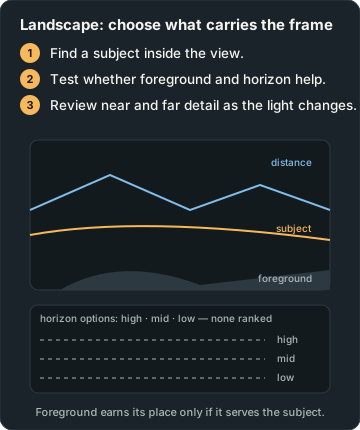
Decide whether the land or sky contains the information you care about. Make a frame that gives that part more space. A centred horizon can suit reflection or symmetry, while a higher or lower horizon can shift emphasis. Use a grid or level if it helps, but do not assume every landscape must place the horizon on a thirds line.
Inspect the edges for half-cut trees, bright fragments and objects merging with the main shape. If a branch is useful, include it with intention. If it is accidental, change your position or framing before spending time on exposure decisions. A small move can make a larger difference than adding another accessory.
Watch what the light changes
Photograph the same view again if the light shifts while you are there. Compare where attention goes and which textures become visible. Low sun, cloud and midday light can describe different things; none guarantees a successful picture. Plan around local conditions and your own safe access rather than assuming a tutorial's season or sunrise time applies where you are.
For a bright sky over darker land, identify the important detail and inspect both areas in the saved capture. If the contrast defeats your intended picture, try another direction, a different framing or another time. Avoid a promise that every scene can be recovered later from one file.
Check near and far separately
If both foreground and distance matter, inspect both. Selecting one focus point does not guarantee that everything else will appear sharp. On a camera, depth of field depends on the setup; use your available controls and review the result. On a phone, look at the actual fine detail rather than assuming the small preview proves distant sharpness.
For a longer exposure, a stable support can reduce camera movement, but leaves, water and people may still move. That movement can be expressive. Decide whether you want a still texture or a trace of time before calling the result a defect.
Make a two-frame field note
Take picture A from your first safe viewpoint. For picture B, make one deliberate framing change, such as lowering the camera to introduce a foreground shape. Record what changed and compare at the same size. Ask which better explains the subject, whether the layers remain readable, and what you would remove on another visit.
Compare your landscape photographs and describe the feature you wanted to emphasize. ShotAgain can offer text observations, not verify location, weather, access safety or the exact lighting conditions at capture. The most useful next step is a decision you can test in another real frame.
Try it: Test a foreground choice
- Choose a subject and first safe viewpoint.
- Make another frame with one deliberate foreground or height change.
- Compare which explains the scene and note any light change.
Record changes in light, exposure, viewpoint or subject movement; the pair is not proof of one isolated cause unless other conditions were controlled.
Sources
- Landscape photography tips for beginners — Adobe UK
Put it into practice
Upload a real shot and get coaching on the decisions in it.