Product photography at home: shape, reflections and context
Build a simple home product-photo setup, control distracting reflections and show useful detail without disguising the item.
ShotAgain editorial · 4 min read
Quick answer
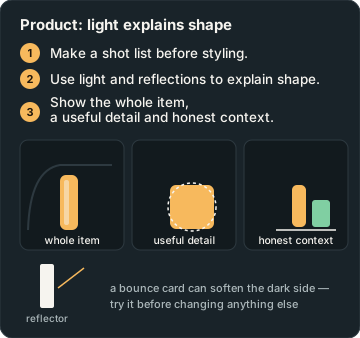
- Make a shot list before styling.
- Use light and reflections to explain shape.
- Show the whole item, a useful detail and honest context.
Choose what the photograph needs to explain before arranging a backdrop. A listing image may need to show the whole item clearly, a detail frame may need to reveal a fastening, and a lifestyle image may explain how something is used. One photograph rarely answers all of those questions equally well. Make a short shot list so that attractive styling does not replace useful information.
Start with a truthful clean view
Place the item on a plain surface and remove loose dust where appropriate. Do not remove genuine wear or identifying features that a buyer needs to see. Check the shape from the intended camera position, including any parts hidden behind the object. If colour or condition matters, make that purpose explicit in your notes.
Adobe's product photography guide distinguishes product-only images from lifestyle scenes and discusses clean backgrounds, controlled lighting and multiple views. Those are useful planning distinctions. You do not need to adopt every studio technique to make an informative photograph at home.
Make a repeatable setup
Start with an unpatterned background, one main light and a stable camera position. For a learning session, a window can be a convenient light source. Watch for changes in daylight between frames. If you need a repeatable catalogue over several sessions, controllable artificial lighting may be easier to match. Do not promise exact consistency from a window that changes with the weather.
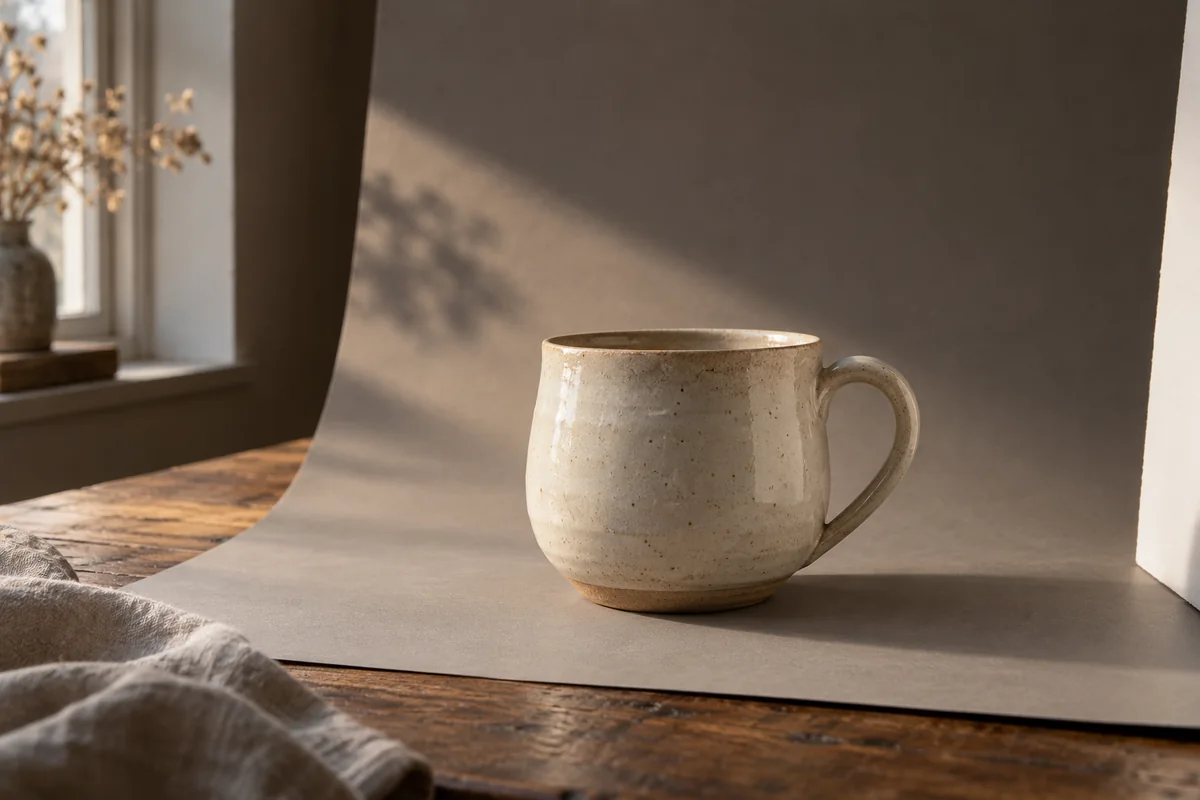
For a simple continuous backdrop, try a large sheet of paper curved gently from the surface toward a support. Check whether the curve removes an unwanted background join without hiding the item's outline. Keep the paper secure and away from hot lights.
Take a reference photograph of the whole setup and note where the item and camera stood. That record is often more useful than copying settings without understanding the arrangement. If you use a support, check that it is secure and does not cast an unwanted shadow into the scene.
Move reflections with intention
For a shiny bottle, watch the bright patches as you move the item or light. A reflection can describe the curve of the surface, but it can also hide a label or edge. Try a small rotation, make a photograph and inspect it. Keep the version that communicates the object best rather than attempting to eliminate every reflection.
A piece of white card outside the frame can become a lighter reflected area; a dark card can change the surrounding pattern. Treat this as a visual experiment and check the actual result. A generated illustration of a reflection is not evidence for how a particular glass or metal surface will behave.
Keep the important detail readable
Focus on the feature your shot is meant to show. For a full-item image, inspect the front and back edges rather than assuming the centre being sharp is enough. If a part falls outside the useful focus range, try another distance, a different arrangement or an aperture adjustment where available. You can use autofocus or manual focus according to your equipment and what the scene needs.
Check exposure on pale packaging and shiny areas. If the printed label disappears, make another attempt with a light or exposure change. Do not rely on later editing to recreate information that was never clearly recorded. Likewise, avoid claiming exact colour accuracy from an uncalibrated display and an uncontrolled light source.
Make three useful views, then compare two
Photograph a simple unbranded mug, bag or small tool. Make a whole-item view, a close detail and a context frame showing scale or use. Keep potentially misleading size comparisons out of the scene. For example, a close object can appear large relative to something placed much farther away.
Choose two whole-item attempts that differ in one useful decision, such as light position. Compare outline separation, readable features, reflections and background distractions. Then compare your chosen whole-item frame with the detail view: does the pair answer a real question someone might have about the product? If not, revise the shot list before adding decoration.
A successful home session leaves you with clear files and a setup you understand. Keep the originals, write down changes and repeat the process for another material. Fabric, glass and metal may need different decisions; a single recipe should not be marketed as a universal product-photo solution.
Get coaching on a product photo or compare two actual attempts. ShotAgain offers visual suggestions in text. It does not verify authenticity, condition, dimensions, marketplace compliance or sales performance from the image.
Try it: Build a useful product set
- Make a whole-item view, detail view and context view.
- Repeat a whole-item frame with one light-position change.
- Compare readable features, reflections and truthful shape.
Record changes in light, exposure, viewpoint or subject movement; the pair is not proof of one isolated cause unless other conditions were controlled.
Sources
Put it into practice
Upload a real shot and get coaching on the decisions in it.